
RAPID FIRE BENDER WITH TOUCH CONTROL CERTIFICATION
Now that I have my Touch Screen, where do I start?
To get started, it is first important to review all of the User Guides sent with the B2 Rapid Fire Bender. These can be found in a packet inside the slot behind the power switch on the side of the unit. It is also required to go through the B2 Certification Courses so you have a proper understanding of the unit BEFORE you use the Touch Screen Accessory.
It's also important to make sure you have taken all of the B201 Learning modules BEFORE Learning about how to use your new touch screen.
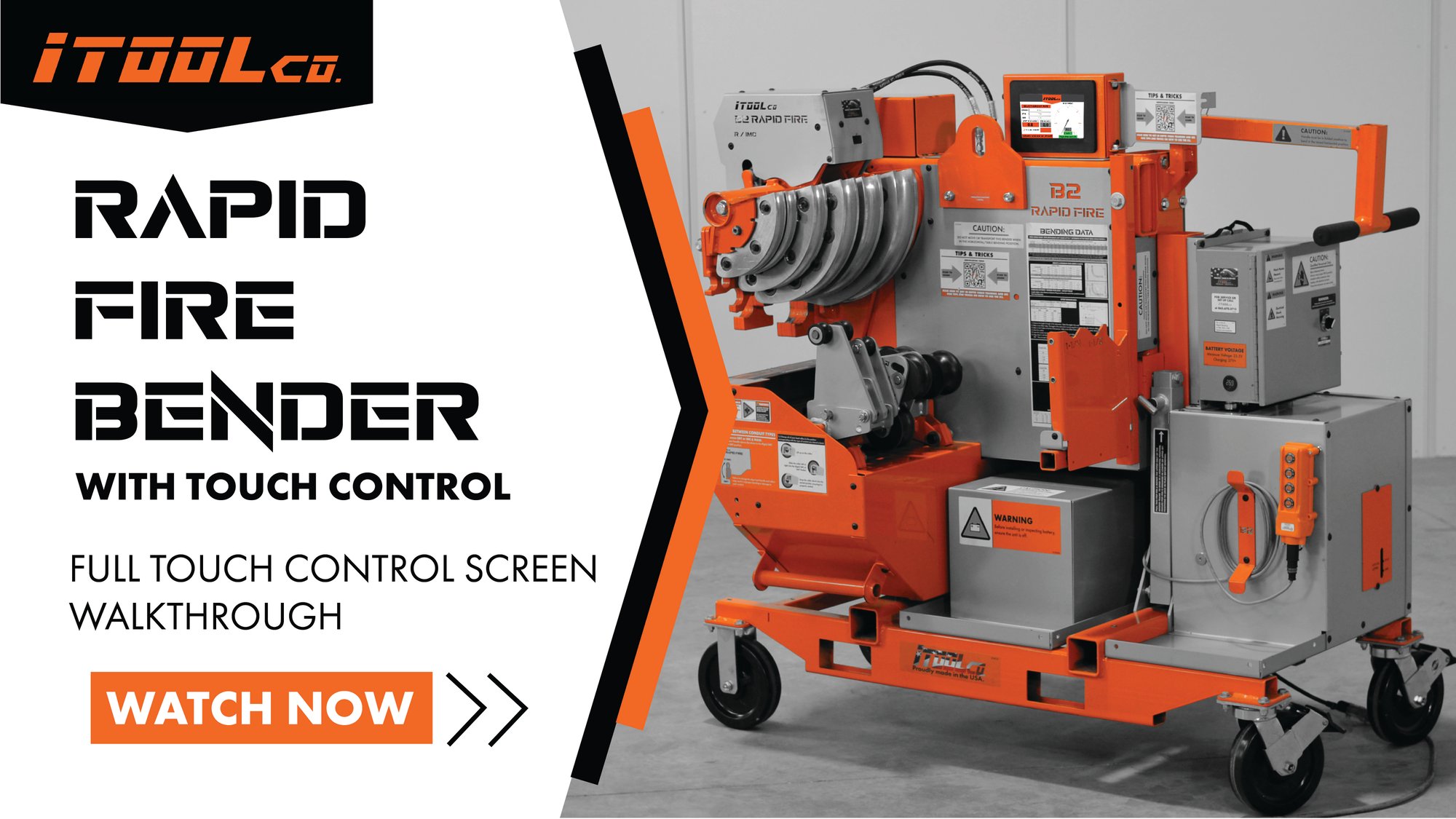
VIDEO 1 OF 3: FULL TOUCH CONTROL SCREEN WALK THROUGH
This video walks you through how to use your B2TC01 to allow you to use the unit effectively.
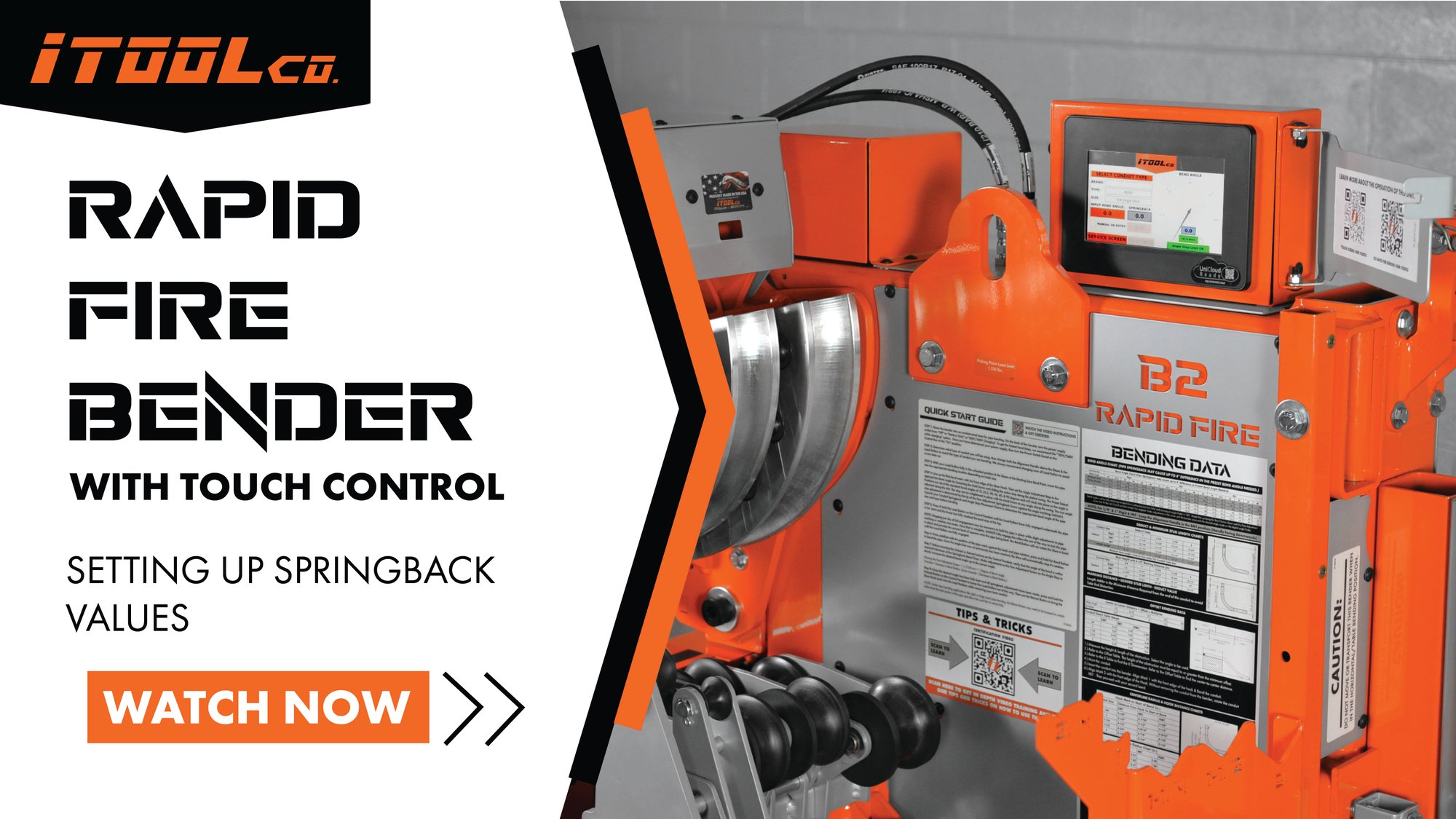
VIDEO 2 OF 3: SETTING UP THE SPRINGBACK VALUES
This video walks you through how to program your B2-TC01 to allow you to use the unit effectively.
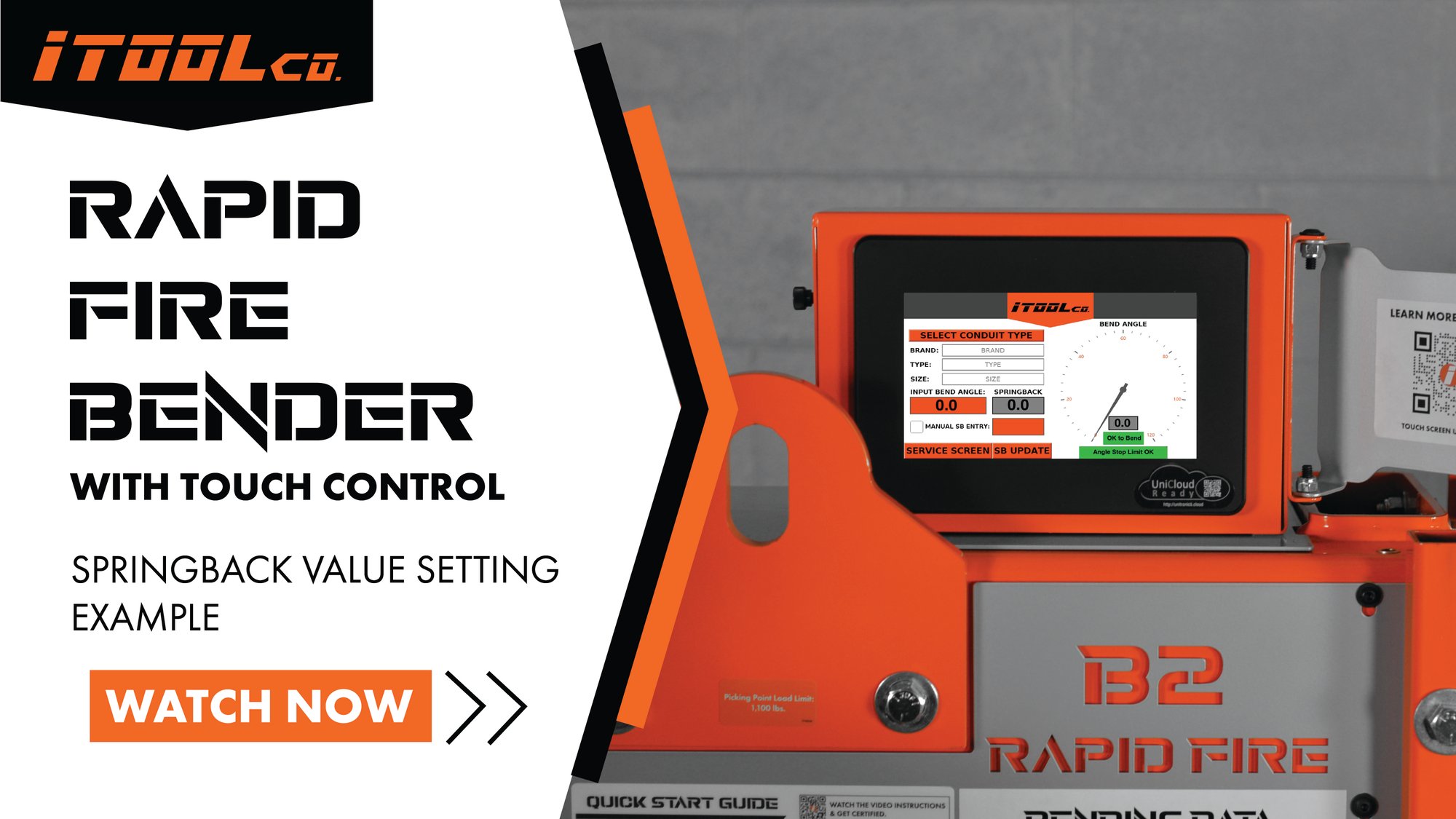
VIDEO 3 OF 3: EXAMPLE OF SETTING UP THE SPRING BACK VALUES
This video walks you through an example of setting the springback values on a 1-1/4" piece of Nucore EMT.
VIDEO TUTORIAL: INSTALLATION OF THE TOUCH SCREEN
This video is only necessary if you are installing the unit onto the B2 yourself. If your unit came with the Touch Screen pre-installed, this video is not necessary for you to get started.