Now that I have my Touch Screen, where do I start?
To get started, it is first important to review all of the User Guides sent with the B2 Rapid Fire Bender. These can be found in a packet inside the slot behind the power switch on the side of the unit. It is also required to go through the B2 Certification Courses so you have a proper understanding of the unit BEFORE you use the Touch Screen Accessory.
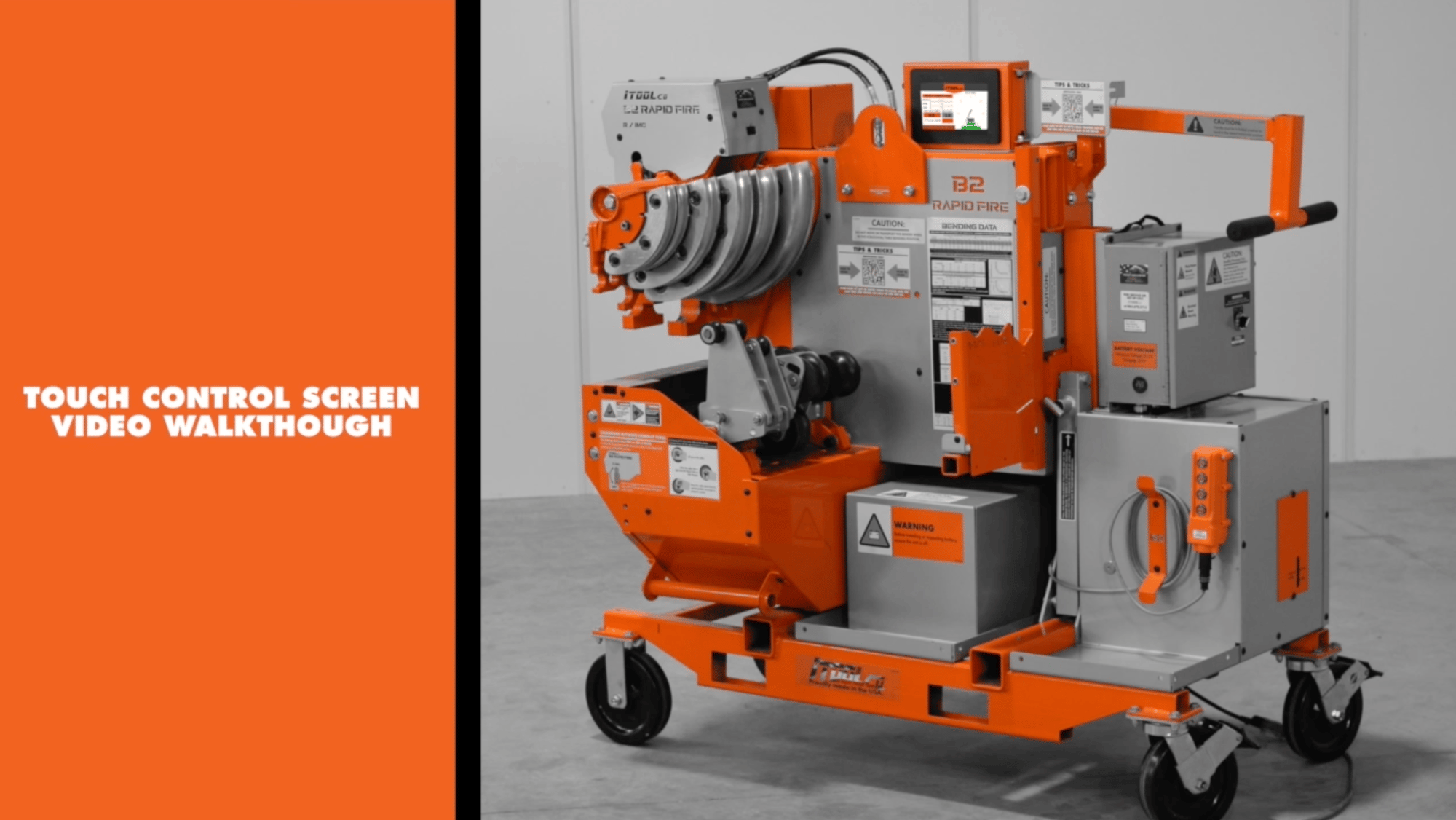
Video 1: Full Touch Control Screen Walkthrough
This video walks you through how to use your B2TC01 to allow you to use the unit effectively.
Video 2: Setting up the Springback Values
This video walks you through how to program your B2-TC01 to allow you to use the unit effectively.
Video 3: Example of Setting up the Springback Values on a 1-1/4" Piece of Nucore EMT.
This video walks you an example of setting the springback values.
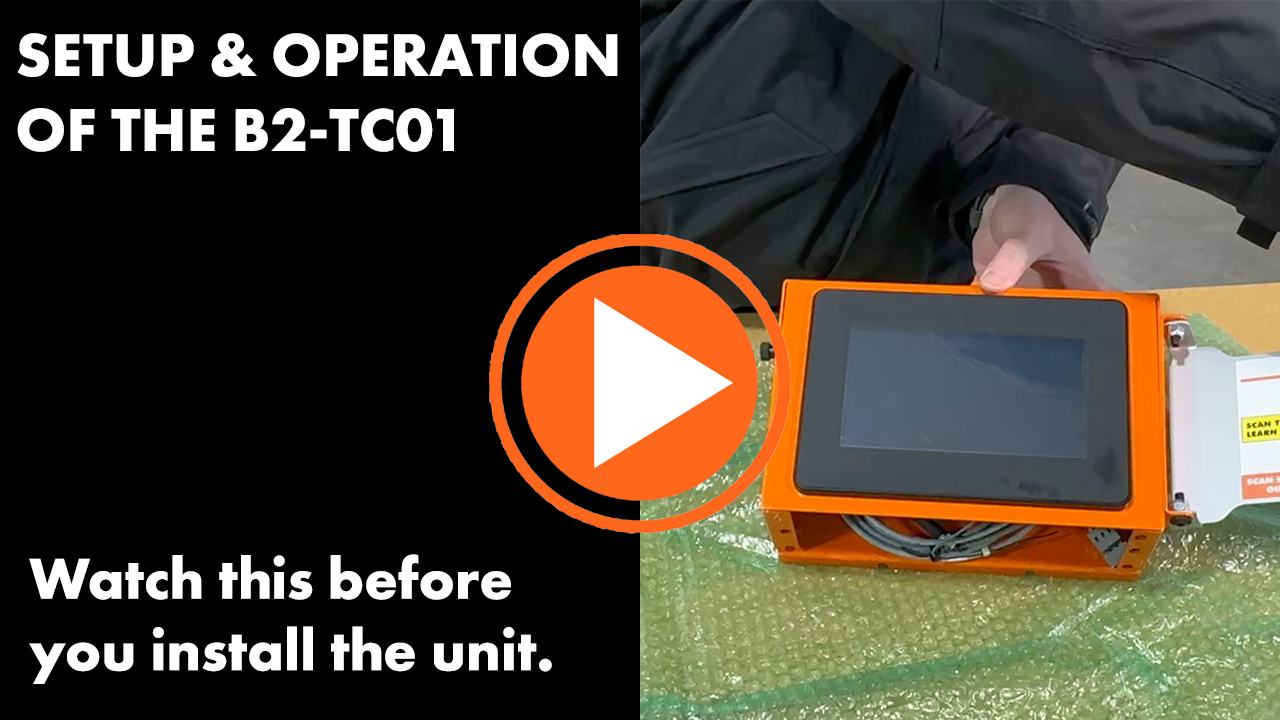
Video Tutorial: Installation of the Touch Screen
This video is only necessary if you are installing the unit onto the B2 yourself. If your unit came with the Touch Screen pre-installed, this video is not necessary for you to get started.